
GenLogin is an antidetect browser that leans heavily on no-code automation: drag-and-drop workflows, a synchronizer and a store of ready-made mini-apps sit next to its browser profiles, and a CloudPhone service adds Android phones hosted in the cloud. It is one of the cheaper options in 2026, with a free plan for 5 profiles and paid plans from $20/month, or $10/month billed yearly. You download it for Windows or macOS from the official site, genlogin.com, and each profile can use your own HTTP or SOCKS proxy or one bought inside the app through GenProxy. It suits budget-conscious e-commerce sellers, social media teams and airdrop farmers who want automation without coding; users who need Linux support or plenty of independent reviews should look further.

GenLogin at a Glance
| What | GenLogin (checked October 2026) |
|---|---|
| Desktop platforms | Windows, macOS (Intel and Apple silicon) |
| Free plan | Yes: 5 profiles |
| Paid plans | From $20/month for 50 profiles; 50% off with yearly billing |
| Team members | 2 to 40 members and sub-accounts, depending on plan |
| Automation | Drag-and-drop workflows, synchronizer, mini-app store, local API |
| Proxies | Your own HTTP, HTTPS, SOCKS4 or SOCKS5 proxies, or GenProxy bought in the app |
| Download | genlogin.com/download (official site) |
| Mobile | CloudPhone: Android phones hosted in the cloud (separate service) |
| Latest release checked | 4.5.1 (August 2026) |
Key Features of GenLogin
- Anti-Detect Technology: Every profile gets its own browser fingerprint, which GenLogin says it regenerates from real user data and updates continuously, so profiles look like separate genuine devices. New Chrome cores arrive regularly; version 4.5.0 (July 2026) added cores up to Chrome 148.
- Multi-Account Management: Create and manage hundreds or thousands of profiles, search them by ID, organize them with tags, and share them with team members. Paid plans sync profile data to the cloud.
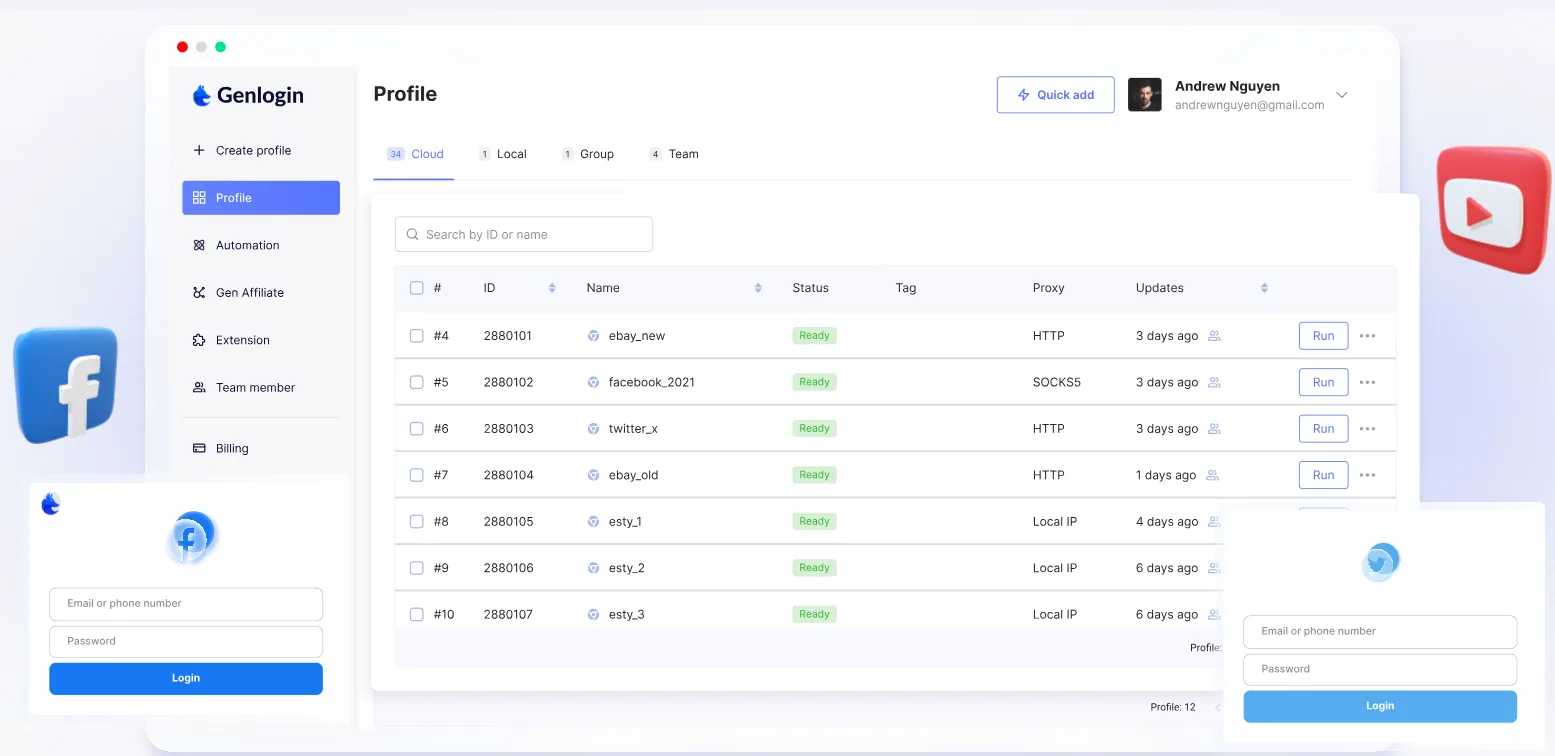
- Browser Fingerprint Customization: You can adjust the proxy IP, WebRTC behavior, user agent and other identifying attributes for each profile.
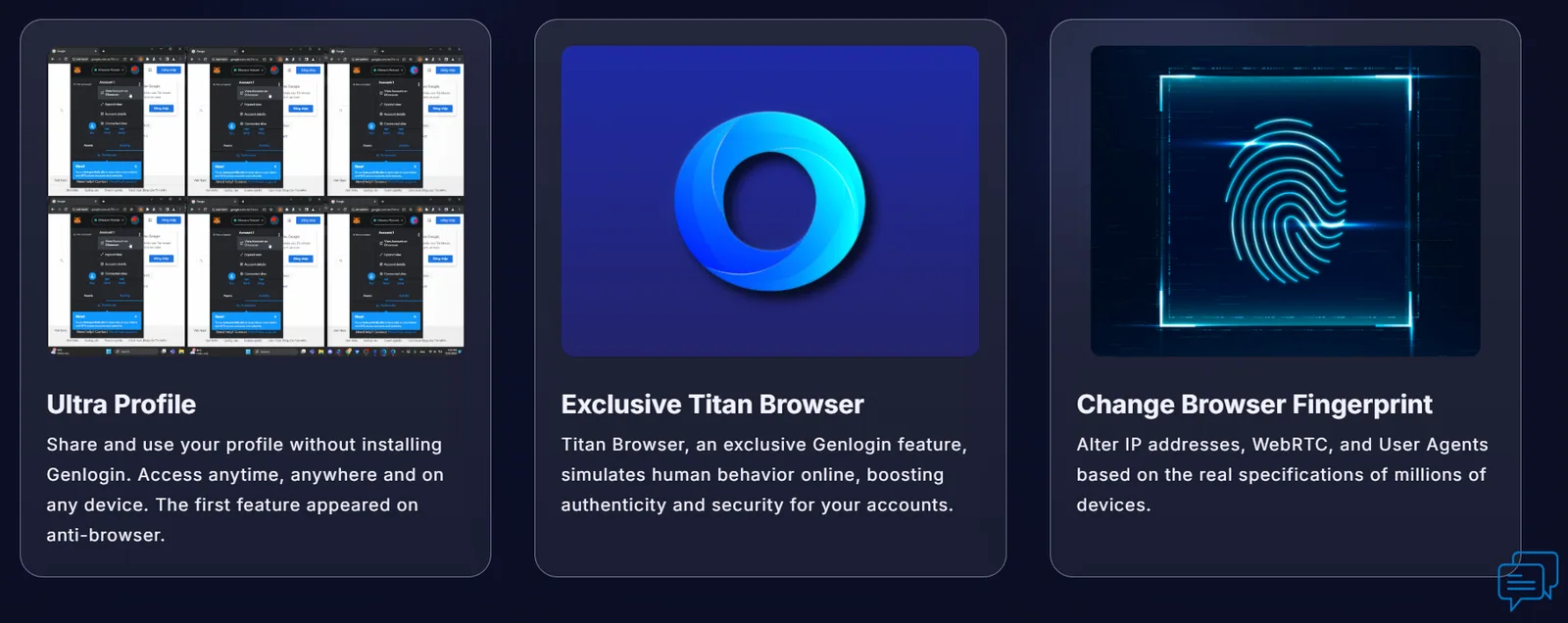
- No-Code Automation: A drag-and-drop editor builds workflows for posting, scraping and engagement, with templates for common tasks, scheduled runs and an Automation Academy for learning the tools. A local API, documented in 2026, covers profile creation and updates for developers.
- Proxy Management: Each profile can use its own proxy, and a proxy manager checks and assigns them, with built-in options for several providers. If you need a provider, FloppyData is an affordable option at $1/GB, with one balance that works as residential, mobile or datacenter traffic.
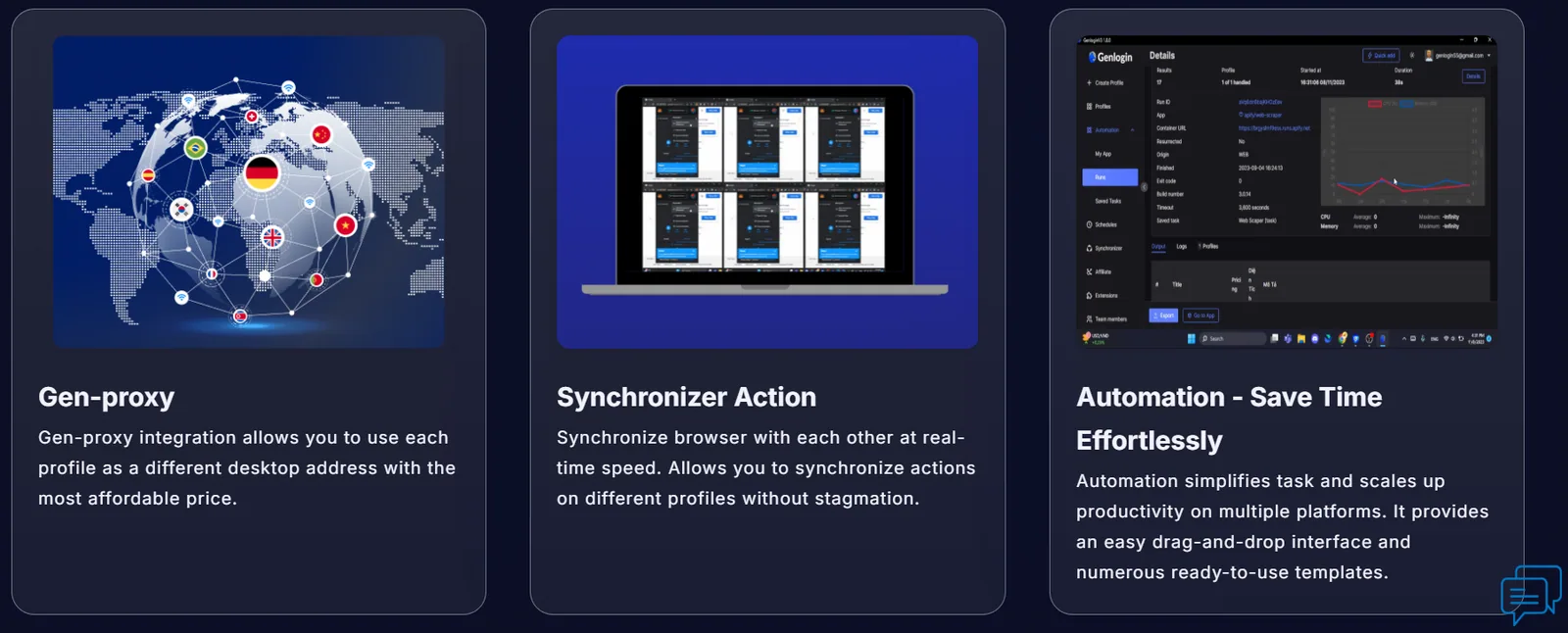
- Team Collaboration and Access Management: Team members can be assigned roles, and administrators control who can open which profiles. Paid plans include 2 to 40 members and sub-accounts.
- Synchronizer Action: Actions in one profile are mirrored across others in real time, which speeds up bulk updates. It is included even on the free plan.
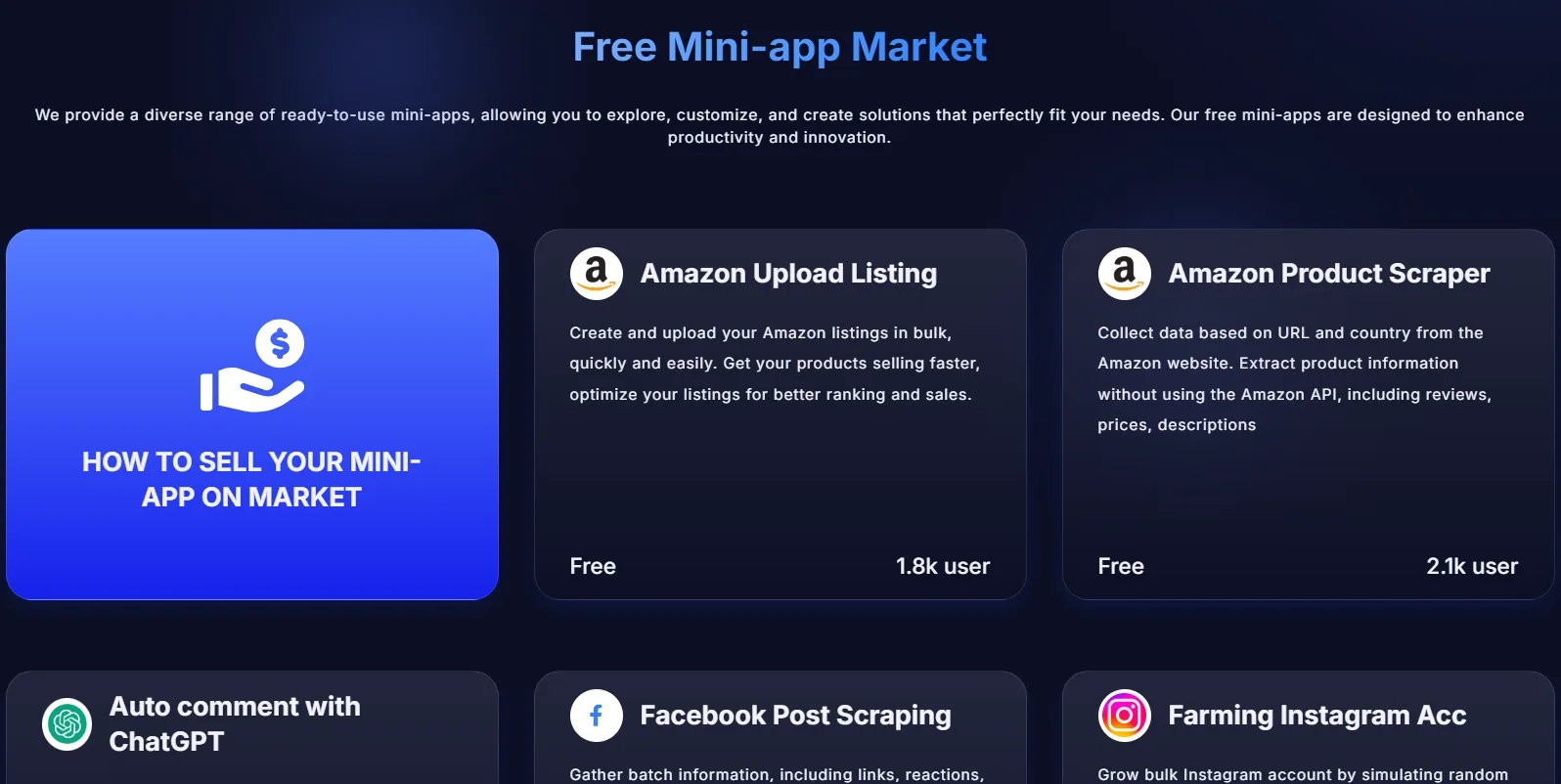
- Mini-App Store: Ready-made apps handle niche tasks such as bulk-uploading products to Amazon, extracting data from websites or running Instagram accounts with randomized, human-like behavior.
- CloudPhone: GenLogin CloudPhone rents physical Android phones that run in the cloud and are controlled from the GenLogin app, for accounts that live in mobile apps such as TikTok, Facebook, Instagram or Shopee. GenLogin says each phone is a real device rather than an emulator, with its own IMEI, Android ID, storage and IP, and that the service covers more than 150 locations. It is billed separately from browser plans.


GenLogin Proxies: Built-In GenProxy or Your Own
Every GenLogin profile has a Network section with three proxy options:
- Without proxy: the profile uses your own internet connection and IP address.
- Gen-Proxy: proxies bought inside the app. According to GenLogin's documentation, GenProxy offers private Vietnam IPv4 proxies at up to 1 Gb/s and Vietnam residential proxies; you choose the number of ports, pay by QR code, and the proxy is active within 3 to 5 minutes.
- Your proxy: HTTP, HTTPS, SOCKS4 or SOCKS5 proxies entered as IP:PORT:USER:PASS, plus API-key connections to rotating proxy services such as TM, Tinsoft and Kiot Proxy, with an option to change the IP each time the profile starts.
The Proxy Manager in the main menu lists every proxy with its protocol and expiry date, a Check button shows its IP, location and status, and you can update the proxy for a batch of profiles at once. For IP addresses outside Vietnam, add your own proxies from any HTTP or SOCKS5 provider.
Pros and Cons of GenLogin
Pros:

- Strong no-code automation: Drag-and-drop workflows, templates, mini-apps and a synchronizer cover most repetitive tasks without code.
- Low prices: 50 profiles cost $10/month on yearly billing, and the free plan includes 5 profiles.
- Generous team limits: Every paid plan includes members and sub-accounts, up to 40 on Company Plus.
- Active development: New Chrome cores and fixes ship several times a year, most recently in July and August 2026.
- Browser and mobile in one place: CloudPhone adds Android phones for app-based accounts.
Cons:
- Rough edges: Recent releases have repeatedly fixed problems with profile sharing, profile updates and proxy checks, so expect occasional bugs.
- Learning curve for advanced automation: Despite the no-code pitch, complex workflows and the API still benefit from scripting knowledge.
- Partly Vietnamese documentation: Some release notes are written only in Vietnamese, which makes changes harder to follow for English speakers.
- No Linux app: Desktop apps are available only for Windows and macOS.
- Few independent reviews: There is little public feedback to judge reliability at scale.
Common Use Cases of GenLogin
GenLogin's mix of profiles and automation fits several kinds of work:

- E-commerce and Dropshipping:
Sellers can run several Amazon, eBay or Shopee stores in separate profiles, keep supplier and store accounts apart, and use mini-apps to upload products in bulk. - Social Media Marketing:
Agencies can automate posting, liking and commenting across Facebook, Instagram and TikTok accounts, and randomize scheduled tasks so activity looks less mechanical. - Data Scraping:
Templates and mini-apps extract prices, reviews and competitor data without custom code, and developers can drive the same profiles through the local API. - Affiliate Marketing and Ads:
Marketers can separate ad and network accounts and test several landing pages or creatives in parallel instead of switching accounts by hand. - Web3 and Airdrops:
Crypto users can manage wallets, Discord accounts and airdrop campaigns, with a dedicated Airdrop category in the mini-app store. - Remote Teams and QA:
Freelancers and teams can share client profiles from one dashboard, and support or QA staff can reproduce different user setups by switching profiles.
GenLogin Pricing and Plans
GenLogin's monthly prices are almost unchanged since our first review, but the plans now include more profiles and team members, and yearly billing cuts the price in half. Prices were checked in October 2026:

| Plan | Profiles | Members and sub-accounts | Monthly | Billed yearly |
|---|---|---|---|---|
| Free | 5 | None | $0 | $0 |
| Mini Plus | 50 | 2 | $20/month | $10/month |
| Solo Plus | 150 | 5 | $39/month | $19.50/month |
| Team Plus | 450 | 15 | $89/month | $45.50/month |
| Company Plus | 1,500 | 40 | $189/month | $94.50/month |
All plans include the synchronizer, automation tasks, the mini-app store and the Automation Academy. Paid plans add cloud data sync, Team Plus adds VIP support and Company Plus priority support. CloudPhone devices are rented separately.
Online Reputation
GenLogin positions itself as an automation-first antidetect browser, but independent feedback is limited. As of October 2026 it has a single review on Trustpilot, which makes it hard to judge how it performs for larger teams. On its website, GenLogin highlights five-star reviews and more than 200 upvotes on Product Hunt.
Its own channels are more active: GenLogin publishes release notes with download links for every version, runs a Telegram community and a GitBook knowledge base, and shipped four releases between March and August 2026. Some users on forums and smaller platforms praise its ease of use, automation tools and multi-profile management, particularly for affiliate marketing, Web3 work and social media automation.
How to Download GenLogin
Download GenLogin only from the official website: the download page on genlogin.com has installers for Windows (64-bit) and for macOS on Intel and Apple silicon, plus links to previous versions. There is no Linux build. After installing, sign up for the free plan, which needs no credit card; on first launch the app downloads its browser core and the other components it needs.
Quick Walk-Through of GenLogin
Here is a short walk-through of the Windows version of GenLogin, based on the screenshots from our original 2024 test.
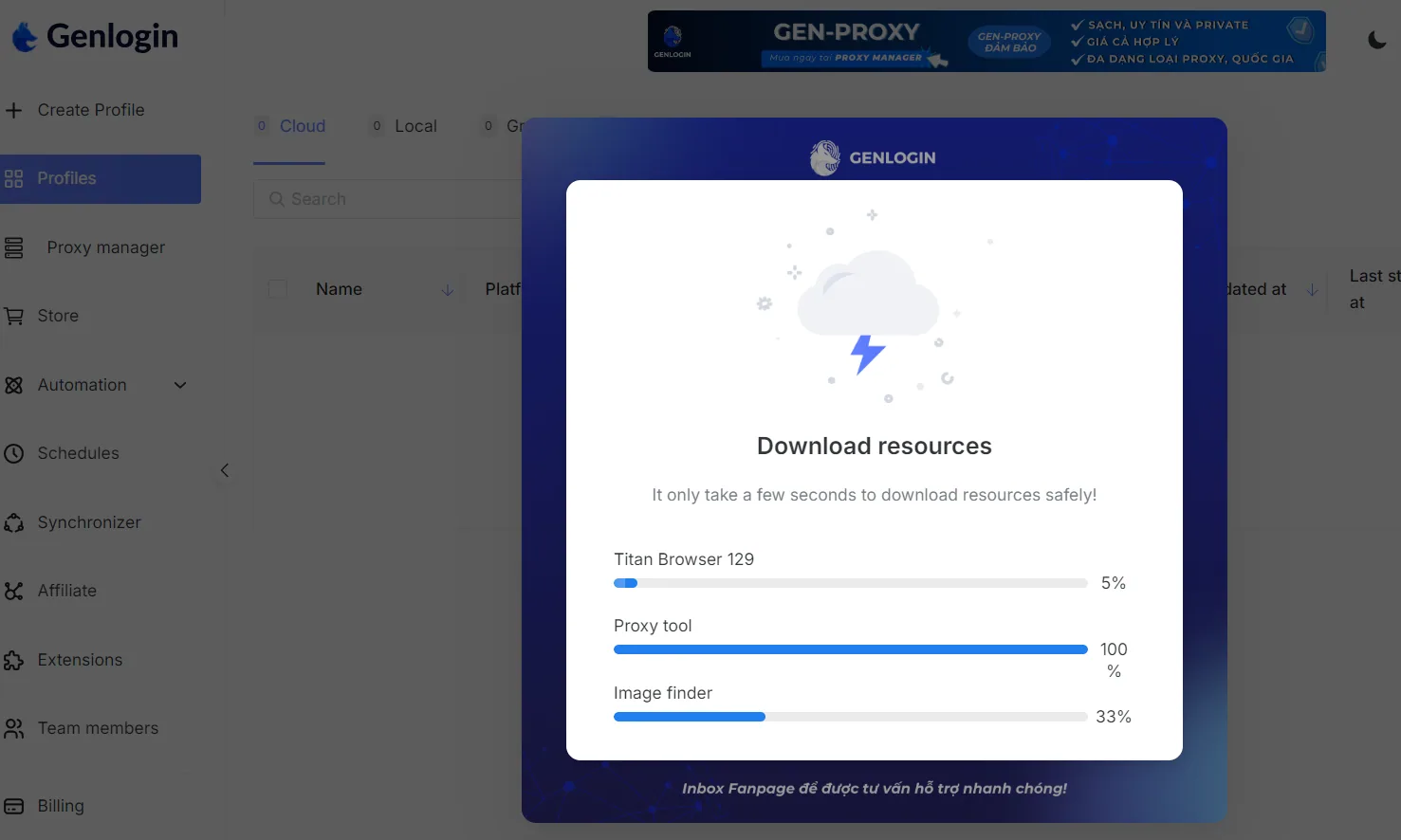
- Startup screen: On first launch, GenLogin downloads the resources it needs, including its browser core, a proxy tool and an image finder, and shows their progress.
- Create new profile: Here you set up a new browser profile.
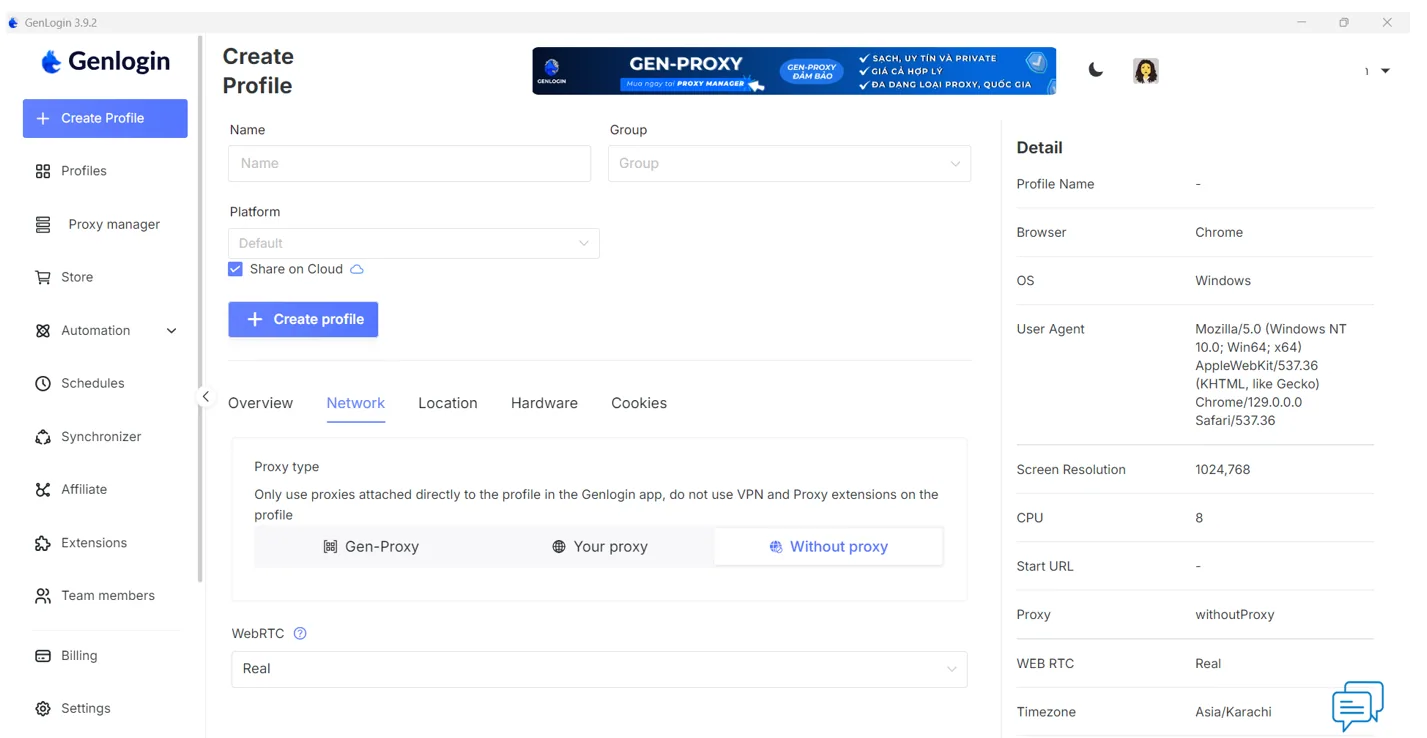


Key Features on this Screen:
- Basic profile setup: Name, group and platform fields keep profiles organized.
- Proxy configuration: Choose GenLogin's built-in proxy option (called Gen-Proxy in our test), your own proxy or no proxy, and set WebRTC behavior.
- System information panel: The right-hand panel shows the browser, operating system, user agent, proxy status and time zone for the profile.
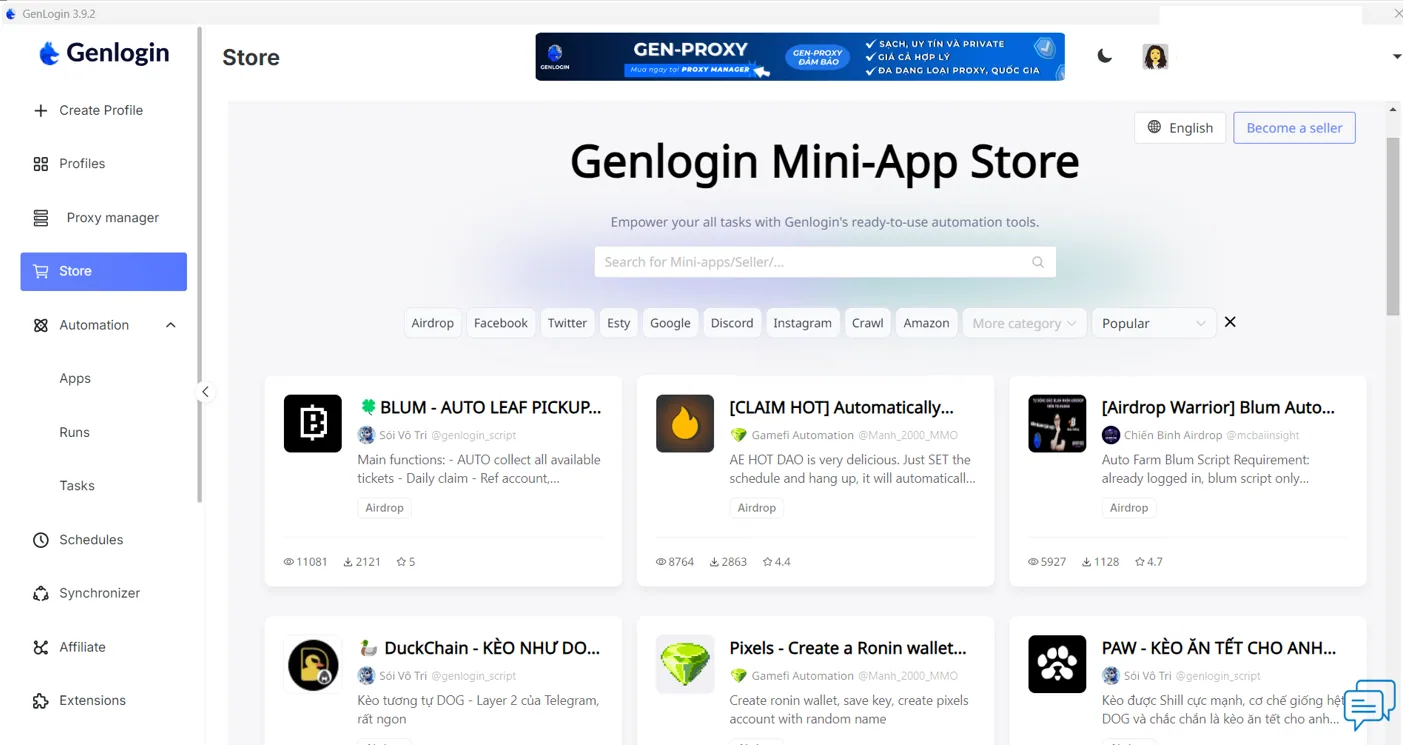
- Mini-app store: A hub of ready-made automation apps for Facebook, Twitter, Google, Discord, Instagram, Amazon and more, with categories such as Airdrop, Crawl and Etsy, a search bar, and ratings, reviews and usage statistics for each app.

Alternative Worth Considering: Gologin
GenLogin is cheaper per profile, especially on yearly billing. Gologin, our top pick, is worth comparing if you need Linux or Android apps, profiles that run in the cloud with nothing installed, or tooling for AI agents. It has a free-forever plan with 3 profiles and paid plans from $9/month for 10 profiles ($4.50/month billed annually), apps for Windows, macOS (Intel and Apple silicon), Linux and Android, a Cloud Browser, team members and profile sharing on every paid plan, and a REST API with Puppeteer, Playwright and Selenium support plus a Browser MCP server. Read our Gologin review.
Summary
GenLogin offers a lot for the money: isolated profiles with regularly updated Chrome cores, drag-and-drop automation, a mini-app store, a synchronizer even on the free plan, generous team limits and, now, cloud phones. That makes it a good fit for freelancers and small teams in e-commerce, social media and Web3 who want automation without writing code.
The trade-offs are polish and reputation. Frequent fixes point to occasional bugs, some documentation is only in Vietnamese, there is no Linux app, and independent reviews remain scarce. Larger businesses that need proven reliability at scale should test it thoroughly on the free plan, and compare it with better-established alternatives, before moving important accounts.
FAQ
Is GenLogin free?
Yes. The free plan includes 5 profiles with the synchronizer, automation tasks and the mini-app store. Paid plans add more profiles, team members and cloud data sync.
How much does GenLogin cost?
Mini Plus costs $20/month (50 profiles), Solo Plus $39/month (150), Team Plus $89/month (450) and Company Plus $189/month (1,500). Yearly billing halves the price, to $10, $19.50, $45.50 and $94.50 per month. Prices checked in October 2026.
Does GenLogin have built-in proxies?
Partly. You can buy proxies inside the app through GenProxy, which GenLogin's documentation lists as private Vietnam IPv4 and Vietnam residential proxies, or add your own HTTP, HTTPS, SOCKS4 or SOCKS5 proxy to each profile. A profile can also run without a proxy on your own IP address.
Where can I download GenLogin?
From the official download page, genlogin.com/download, which has installers for Windows (64-bit) and for macOS on Intel and Apple silicon, plus links to previous versions. There is no Linux app. GenLogin's CloudPhone service adds Android phones hosted in the cloud.
Does GenLogin require coding skills?
No. Most automation is built with a drag-and-drop editor, ready-made templates and mini-apps. Complex workflows and the API benefit from some scripting knowledge.
How does GenLogin prevent account bans?
Each profile gets its own fingerprint, which GenLogin says it generates from real user data, plus its own cookies and proxy, so websites see separate devices rather than one user with many accounts.