
BitBrowser is a Hong Kong-based antidetect browser for running many accounts on e-commerce, social media and ad platforms. Its main selling point is price: 10 profiles are free forever, and paid packages start at $10/month for 50 profiles. It suits budget-conscious sellers and marketers who are comfortable with a dense, feature-heavy interface; beginners and Linux users will find better fits elsewhere.
Built on Chromium and Firefox kernels, BitBrowser keeps every profile isolated with its own fingerprint, cookies and proxy. In 2026 it also sells cloud phones and cloud PCs from the same account.
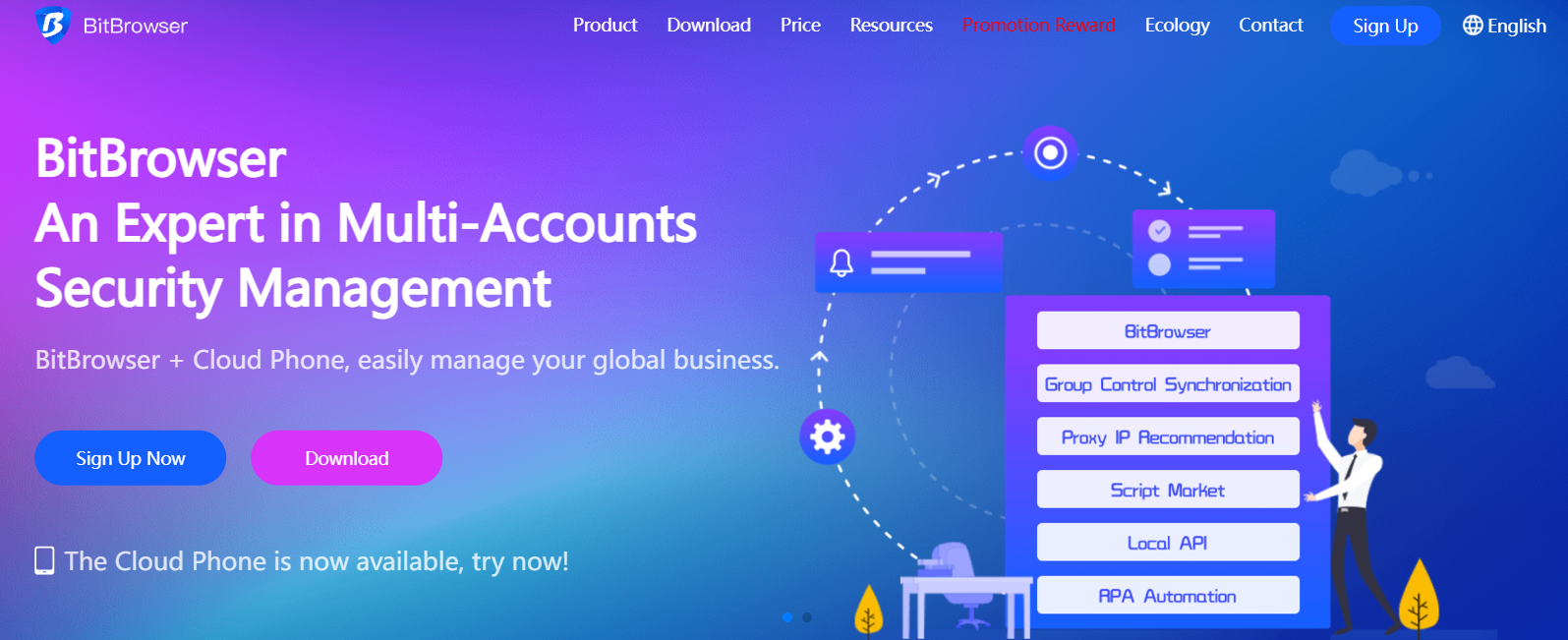
BitBrowser at a Glance
| What | BitBrowser (checked October 2026) |
|---|---|
| Developer | HongKong Bit-Internet Technology Limited |
| Desktop platforms | Windows and macOS |
| Free plan | Yes: 10 profiles, 1 user, 50 launches per day |
| Paid plans | From $10/month for 50 profiles and 2 users |
| Longer billing | 10% off quarterly, 20% semi-annually, 30% annually |
| Browser kernels | Chromium and Firefox |
| Automation | RPA, Local API, window synchronizer, MCP service |
| Extras | BitCloudPhone (Android and iOS) and BitCloudPC |
| Latest release checked | 7.1.5 (August 2026) |
Key Features of BitBrowser
On paper, BitBrowser covers everything a multi-account operation needs. Here is what it brings to the table:
- Anti-Detection Profiles
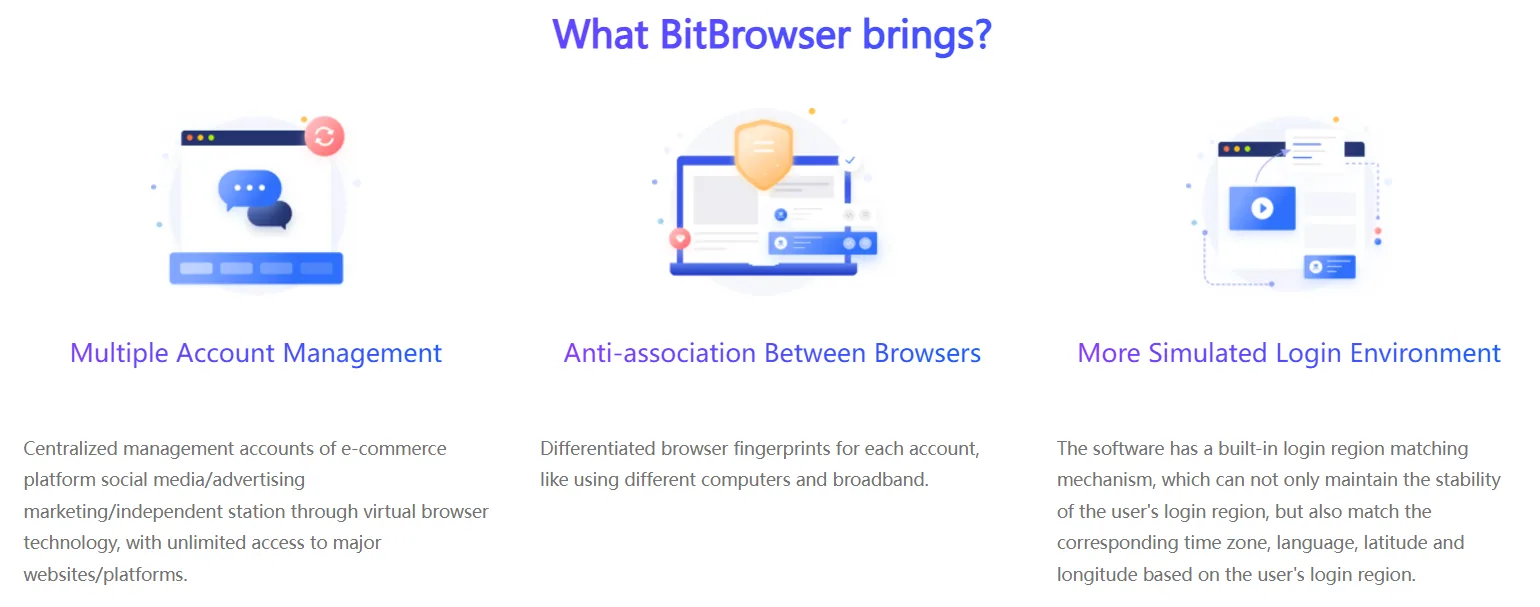
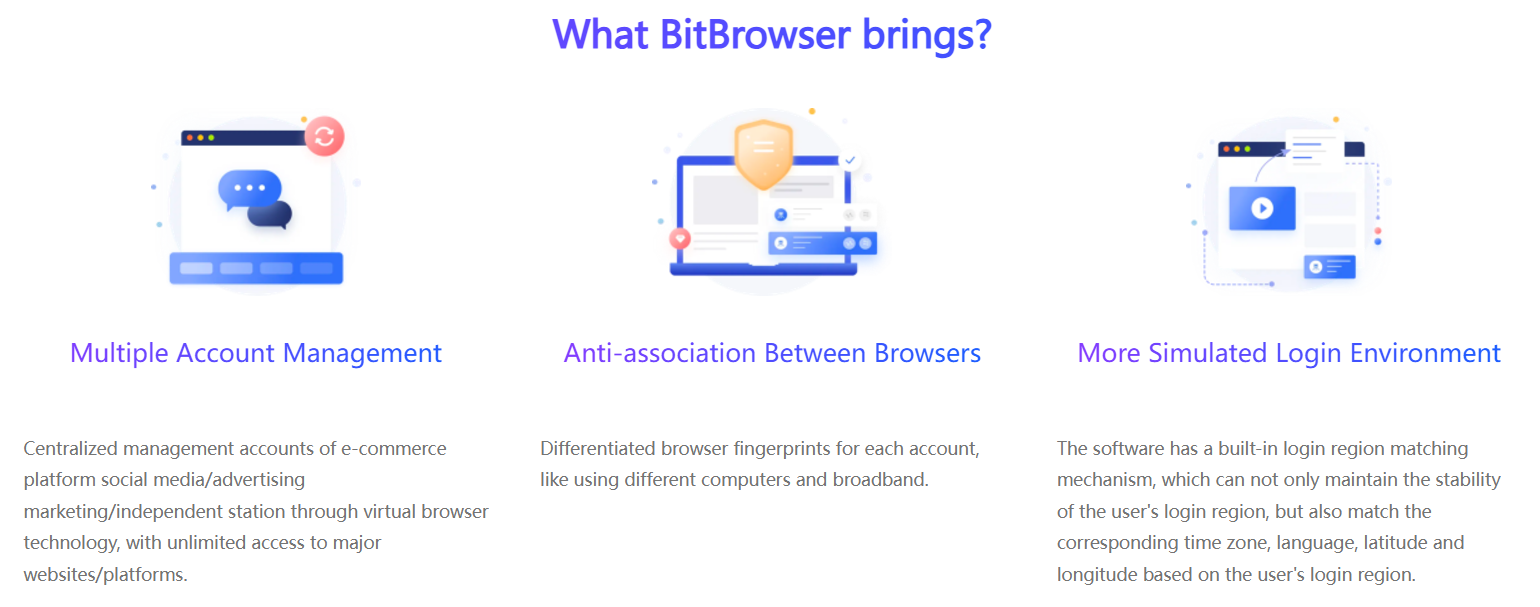
- Independent profiles: Each profile works as a separate virtual device with its own fingerprint, so accounts are not linked to each other.
- Fingerprint parameters: User agent, language, time zone, WebGL, Canvas, audio, WebRTC, DNS and IP settings can be generated automatically or adjusted by hand.
- Isolation: Cookies, cache and local storage stay inside each profile.
- Multi-Account Management
- Central control: Groups and bulk actions help e-commerce managers, marketers and social media teams keep large numbers of accounts organized.
- Regional settings: Login regions, time zones and languages can be matched to each account's proxy.
- Proxy Integration
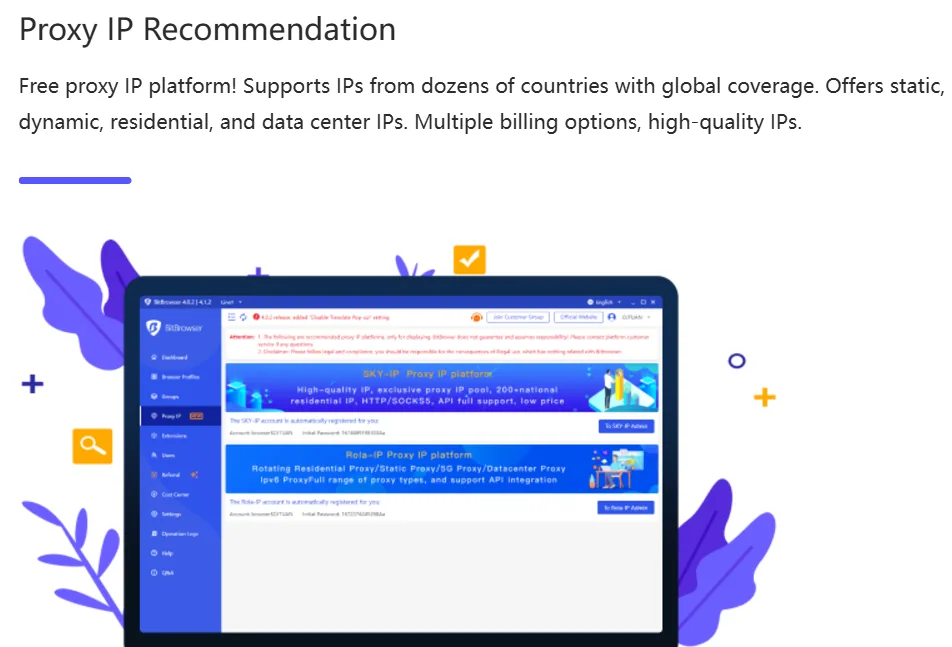
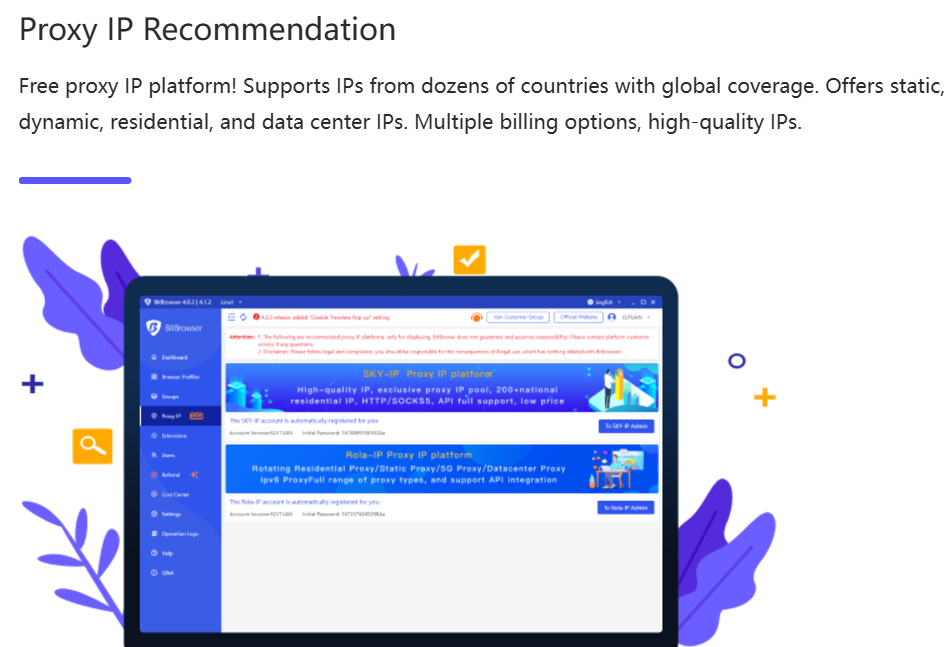
- Protocols: HTTP, HTTPS, SOCKS5 and SSH proxies, assigned per profile.
- Proxy recommendations: The app points to partner proxy services in dozens of countries. If you are still choosing a provider, FloppyData is an affordable option: rotating traffic costs $1/GB, and one balance works as residential, mobile or datacenter traffic. Disclosure: Gologin and FloppyData are commercial partners of cross-browser.org; see our About page for the full partner list.
- Teamwork and Automation
- Team features: Share or transfer profiles, assign permissions to sub-accounts and group profiles by project. Recent versions add global controls, such as blocking DevTools or extension installs for sub-accounts and URL allow and block lists.
- RPA and Local API: Automate logins, posting and profile setup with RPA flows or your own scripts, and mirror actions across windows with the synchronizer.
- MCP service: Version 7.1.5 (August 2026) added MCP service support, which runs through the Local API, plus a Virtual Desktop mode that keeps BitBrowser separate from your everyday work.
- Extensions and Script Market
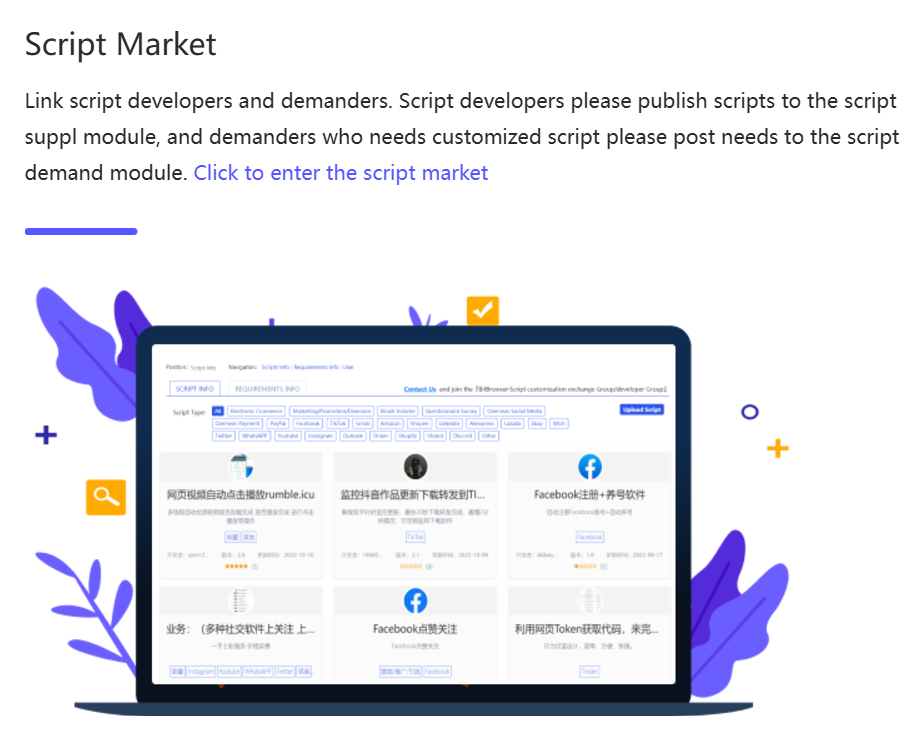
- An extension center installs Chrome extensions into profiles, and a script market connects users with ready-made automation scripts.
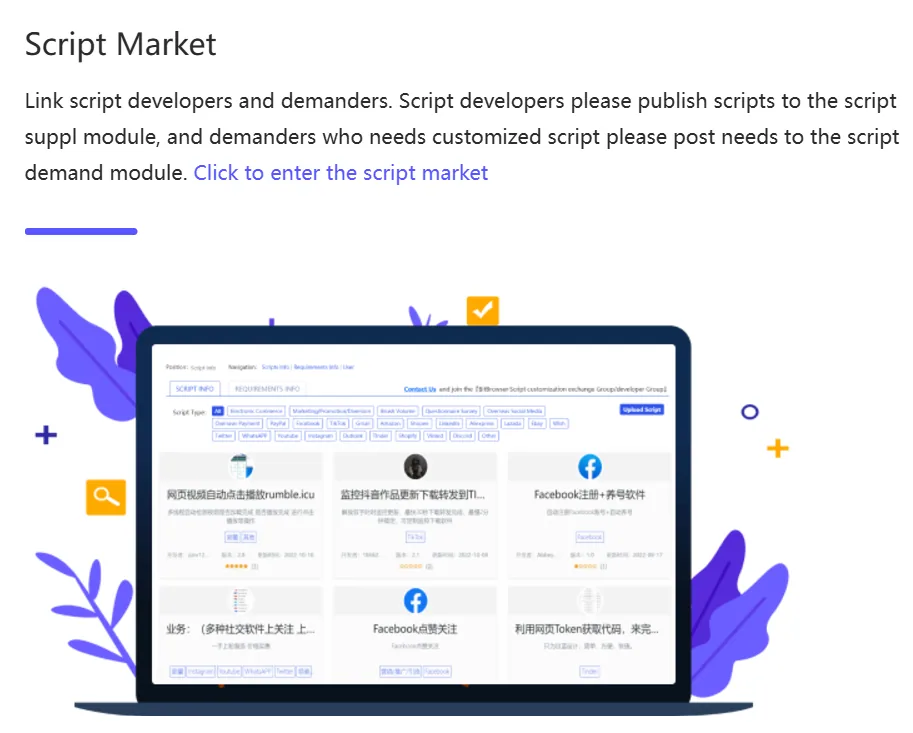
- An extension center installs Chrome extensions into profiles, and a script market connects users with ready-made automation scripts.
- Cloud Phones and Cloud PCs
- BitCloudPhone offers cloud-hosted Android and iOS devices for app-based accounts, and BitCloudPC provides remote cloud computers you operate from a web browser. Both are bought separately from browser packages.
Pros and Cons of BitBrowser
Pros:
- Generous free plan: 10 profiles free forever is more than most competitors offer.
- Low prices: 50 profiles and 2 users cost $10/month, and annual billing saves 30%.
- Broad toolset: RPA, Local API, synchronizer, extension center and MCP support are all included.
- Two kernel families: Chromium and Firefox profiles cover more fingerprint scenarios.
- Mobile options: Android and iOS cloud phones sit in the same account as browser profiles.
Cons:
- Steep learning curve: The interface packs many modules and settings, which can overwhelm beginners.
- Free plan limits: One user, 50 profile launches and 20 new profiles per day.
- No Linux app: Desktop apps exist only for Windows and macOS.
- Extra costs for cloud devices: Cloud phones and cloud PCs are paid separately.
Common Use Cases of BitBrowser
- E-Commerce Management
Sellers can run several storefronts and marketplace accounts from one device while keeping each account isolated. - Social Media Marketing
Agencies can manage dozens of client profiles, test content and scale outreach without linking accounts. - Ad Accounts and Traffic Arbitrage
Media buyers can separate ad accounts by region and automate routine checks with RPA. - Brand Protection and Competitor Research
Region-specific profiles show how listings and ads appear in different markets. - Crypto and Web3 Accounts
Users who manage several wallets or exchange accounts can keep each one in its own environment.
BitBrowser Pricing and Plans
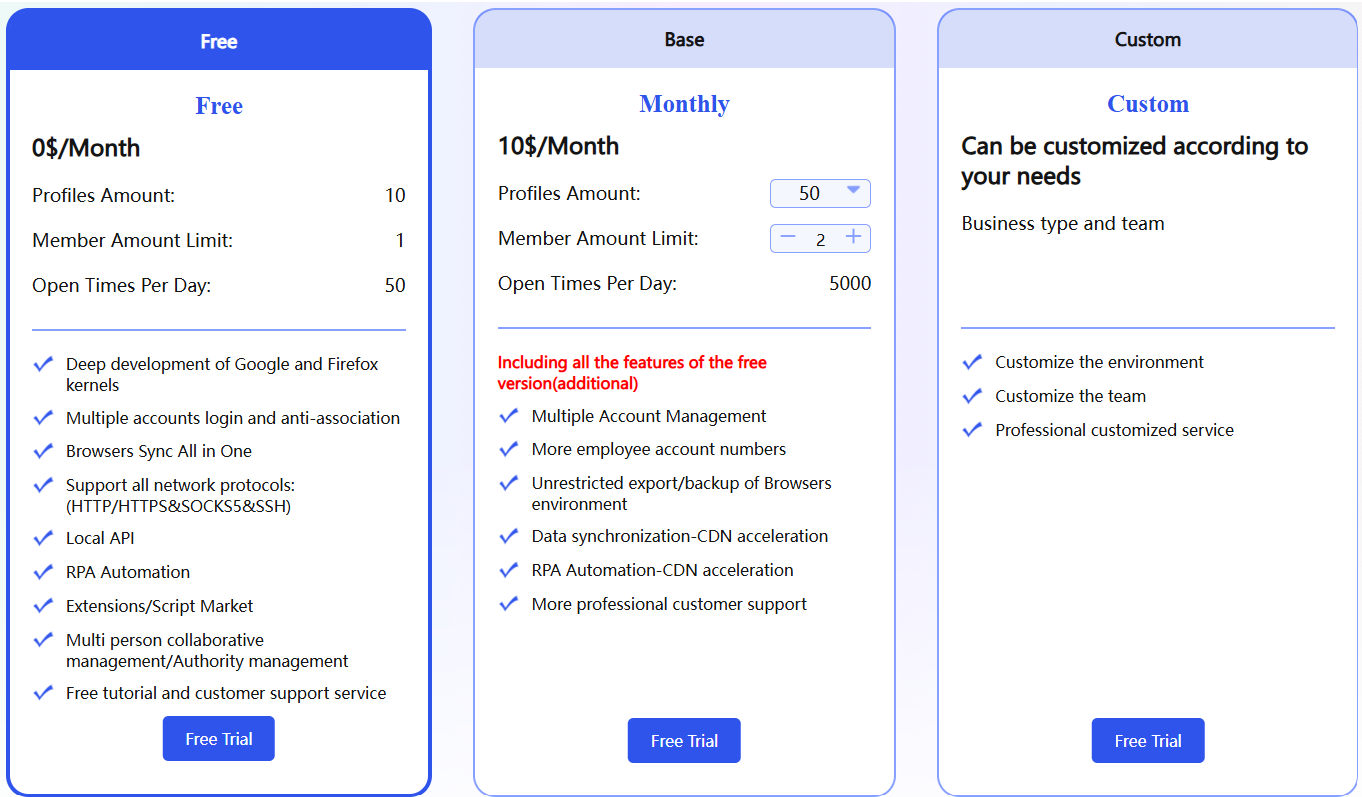
BitBrowser keeps a free tier and sells paid packages by number of profiles and users. Prices below were checked in October 2026:
| Package | Profiles | Users | Price |
|---|---|---|---|
| Free | 10 | 1 | $0 (50 launches per day) |
| Paid | 50 | 2 | $10/month |
| Paid | 100 | 4 | $15/month |
| Paid | 200 | 8 | $25/month |
| Custom | Up to 300,000+ | Custom | Quoted in the client |
Paid packages add more team members, unrestricted profile and cookie export, profile sharing and transfer, a recycle bin and faster sync. Paying quarterly saves 10%, semi-annually 20% and annually 30%. You buy and renew packages inside the BitBrowser client.
Alternative Worth Considering: Gologin
BitBrowser is hard to beat on price per profile. If you need a Linux app, an Android app or profiles that run in the cloud with nothing installed, look at Gologin, our top pick. It has a free-forever plan with 3 profiles, and paid plans start at $9/month for 10 profiles ($4.50/month billed annually). It runs on Windows, macOS (Intel and Apple silicon) and Linux, its Cloud Browser launches profiles in the cloud, team members and profile sharing come with every paid plan, and automation works through a REST API, Puppeteer, Playwright and Selenium, plus a Browser MCP server for AI agents. Read our Gologin review for the details.
Summary
BitBrowser is one of the cheapest antidetect browsers in 2026, and it packs a solid feature set: isolated profiles, Chromium and Firefox kernels, RPA, a Local API with MCP support, and cloud phones on the side. The trade-off is complexity. The interface takes time to learn, the free plan has daily limits, and there is no Linux version.
For price-sensitive sellers and marketers with some technical confidence, it is good value. Teams that prefer a simpler interface, broader platform support or a fully cloud-based workflow should compare it with Gologin before committing.
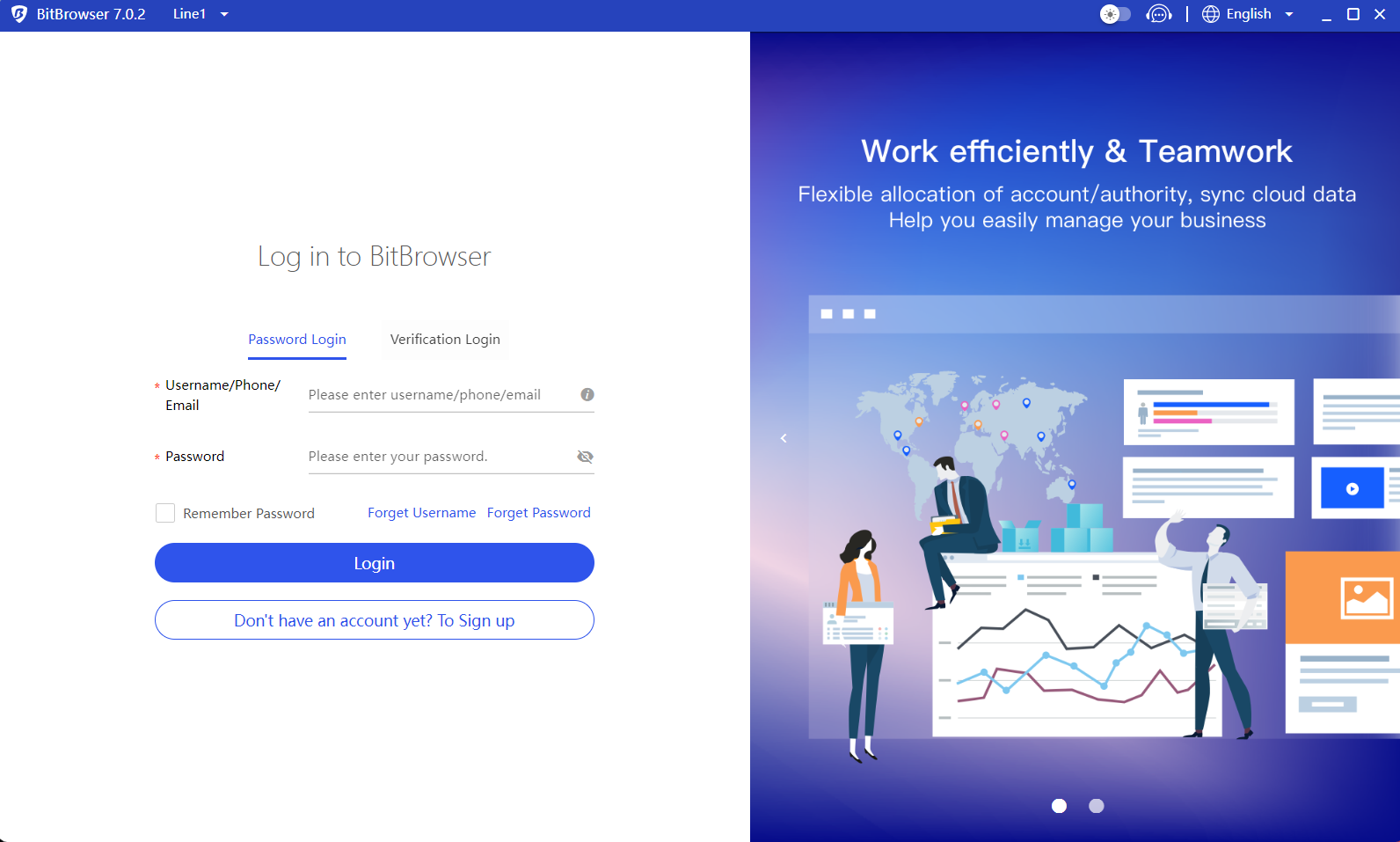
Below is a glimpse of BitBrowser on Windows.
FAQ
Is BitBrowser free?
Yes. BitBrowser includes 10 browser profiles free forever for one user, with up to 50 profile launches per day. Paid packages add more profiles and team members.
How much does BitBrowser cost?
Paid packages start at $10/month for 50 profiles and 2 users, then $15/month for 100 profiles and 4 users and $25/month for 200 profiles and 8 users. Quarterly, semi-annual and annual billing save 10%, 20% and 30%. Prices checked in October 2026.
Does BitBrowser work on Mac and Linux?
BitBrowser has desktop apps for Windows and macOS. There is no Linux app.
What proxy types does BitBrowser support?
BitBrowser supports HTTP, HTTPS, SOCKS5 and SSH proxies, and each profile can use its own proxy.
Does BitBrowser support automation?
Yes. It includes RPA automation, a Local API and a window synchronizer, and version 7.1.5 (August 2026) added MCP service support for AI agents.