
The best browser for crypto depends on how you use it. For everyday use with one wallet, Brave is the simplest choice, with a built-in multi-chain wallet. For managing several wallets, exchange accounts or team access securely, an antidetect browser is the better tool, and Gologin is our top pick: every profile gets its own fingerprint, cookies, extensions and proxy, there is a free-forever plan with 3 profiles, and paid plans start at $9/month.
This guide covers eight antidetect browsers suited to crypto and NFT work, then the most popular mainstream tools — Brave, Opera and MetaMask. Prices were checked on vendor websites in October 2026.
What Are Browsers for Crypto, and How Do They Differ from Proxies and VPNs?
Browsers for crypto fall into two groups. Mainstream privacy browsers such as Brave add a built-in wallet and block trackers. Antidetect browsers instead let you create many isolated profiles, each with its own browser fingerprint (user agent, canvas, WebGL, fonts, timezone), cookies, extensions and IP address, so activity in one profile cannot be linked to another.
Proxies and VPNs protect privacy differently. A proxy routes browser traffic through another server and hides your IP address but does not change browser-specific data. A VPN encrypts all traffic between your device and the VPN server but offers no control over browser fingerprints. Antidetect browsers let you set browser fingerprints per profile and pair each one with its own proxy.
For crypto users, that isolation is mainly a security tool. Keeping each wallet, exchange account or client in its own profile means a malicious website or extension in one profile cannot reach the others, team members can be given access to specific accounts only, and work and personal activity stay apart. A word of caution: many exchanges, NFT marketplaces and airdrop campaigns allow only one account per person and actively filter out multi-account wallets, so using extra accounts to claim more rewards can get every one of them banned. Use separate profiles to organise and protect legitimate accounts, not to break platform rules.
Listing the Best Browsers for Crypto
1. Gologin
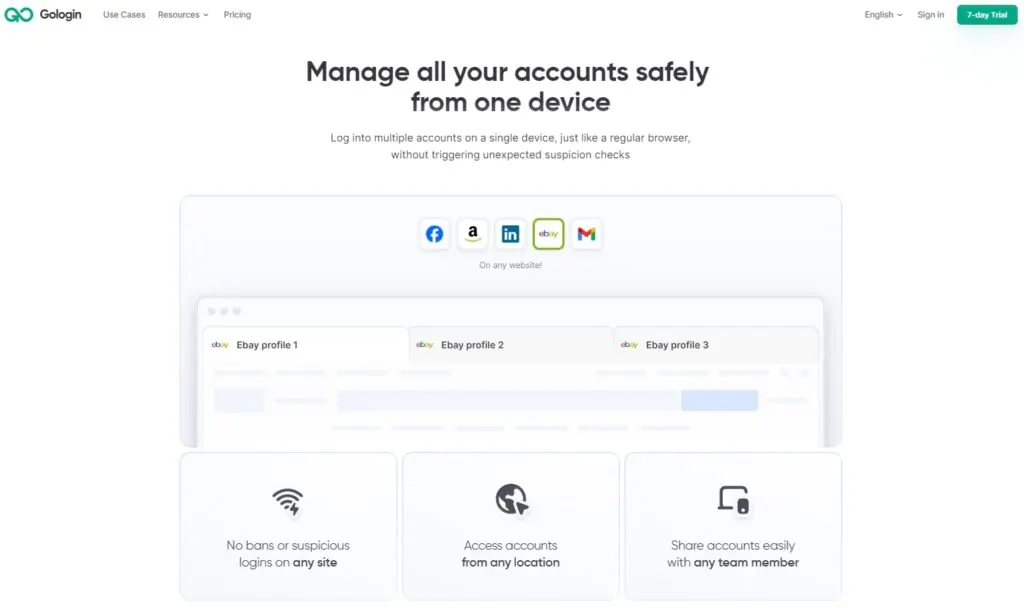
Gologin is a mature antidetect browser for anyone who needs several separate online identities. Every profile runs in Orbita, Gologin’s Chromium-based browser, with its own consistent fingerprint from a large fingerprint database, its own cookies and extensions, and its own proxy — useful for crypto and NFT work, where account separation and security matter.
Pricing Plans
- Free Plan: 3 profiles forever, with all core features except profile sharing and team members.
- Professional: from $9/month for 10 profiles, with tiers up to 100 profiles.
- Business: $99/month for 300 profiles.
- Enterprise: $179/month for 1,000 profiles.
- Custom Plan: 2,000 to 100,000 profiles from $279/month.
- Annual billing halves every price (Professional works out to $4.50/month), and paid features come with a 7-day free trial.
Platforms
Gologin has desktop apps for Windows, macOS (Intel and Apple silicon) and Linux, an Android app, and Cloud Browser, which runs profiles in the cloud with nothing installed.
Availability of Free/Paid Built-in Proxies
Gologin works with any HTTP or SOCKS proxy, and you can buy built-in proxy traffic without leaving the app; paid plans include some residential proxy traffic. For larger needs, FloppyData sells rotating proxies at $1/GB, with one balance that works as residential, mobile or datacenter traffic.
For crypto and NFT projects, Gologin lets you keep each wallet, exchange account and marketplace login in its own profile, so a compromised site or extension in one profile cannot touch the others. Teams can share specific profiles with view, edit or manage rights instead of passing around passwords, and the REST API, Puppeteer, Playwright and Selenium support and Browser MCP make it possible to automate routine checks.
2. AdsPower
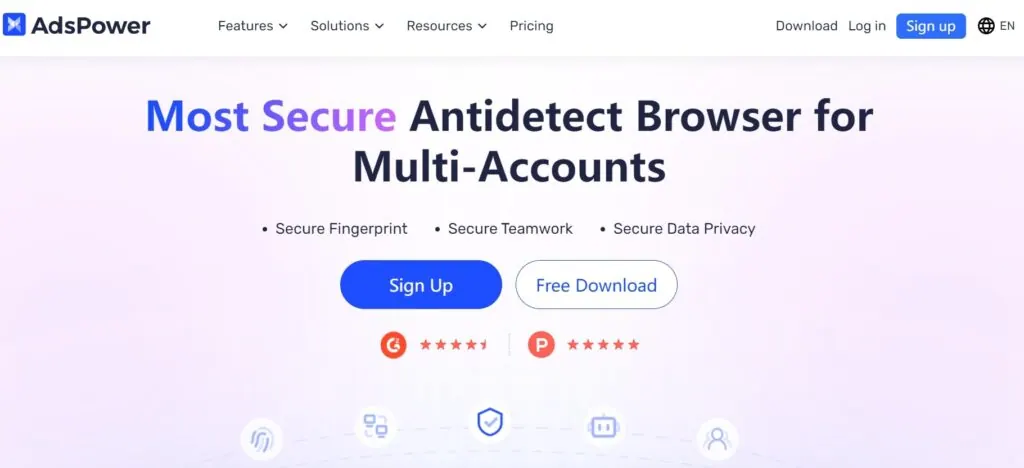
AdsPower is a multi-account antidetect browser that gives each account its own browser environment and adds a no-code RPA tool. Its website promotes a dedicated solution for managing multiple crypto accounts.
Pricing Plans
- Free Plan: 2 profiles forever.
- Professional: from $9/month for 10 profiles, with 20, 50 and 100-profile options.
- Business: adds team members for larger operations.
- Enterprise: 5,000+ profiles, price on request.
- Quarterly billing saves 15% and annual billing 40%; a 7-day trial unlocks all features.
Platforms
AdsPower is available on Windows, macOS (Intel and Apple silicon) and Linux.
Availability of Free/Paid Built-in Proxies
Each AdsPower profile can use its own proxy, so every account runs from a distinct IP address as well as a distinct fingerprint.
For crypto and NFT work, AdsPower’s RPA tool can automate repetitive browser steps across profiles, and team roles let you control who can open which accounts.
3. Multilogin
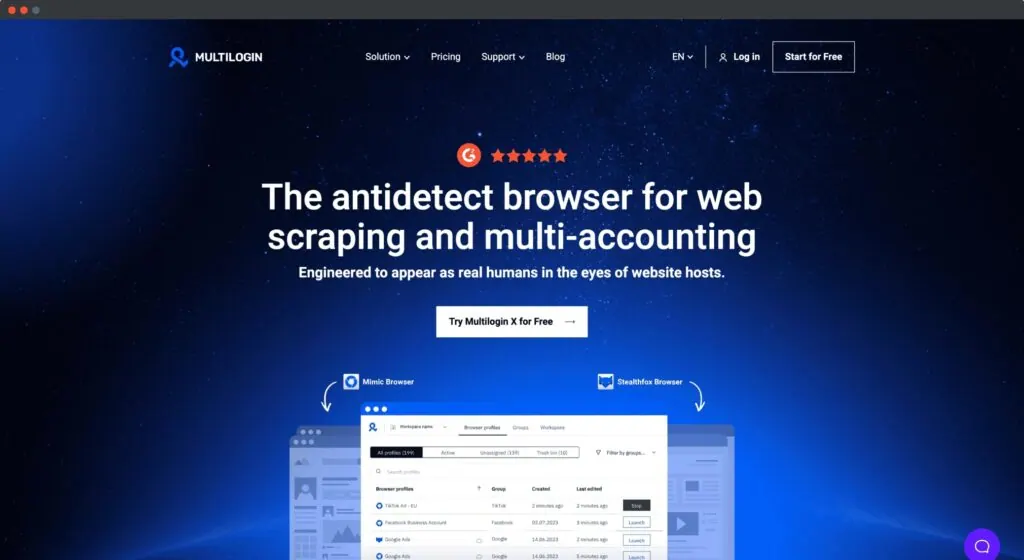
Multilogin is a long-established antidetect browser that now combines browser profiles with Android cloud phones. Its fingerprint management keeps separate browser profiles for separate accounts, which suits crypto projects that involve several platforms.
Pricing Plans
- Free Plan: 5 profiles forever, no card required.
- Pro: $11/month for 10 profiles, $19/month for 20 and $29/month for 50.
- Business: from $40/month for larger teams.
- Yearly billing saves 35% (Pro with 10 profiles works out to $7.08/month).
Platforms
Multilogin’s desktop app runs on Windows, macOS and Linux, and its cloud phones run Android in the cloud.
Availability of Free/Paid Built-in Proxies
Multilogin includes built-in residential, ISP and mobile proxies, and its plans come with bonus proxy traffic.
For crypto teams, Multilogin’s strength is automation: Selenium, Playwright and Puppeteer can drive profiles for routine monitoring, and profile transfer lets you hand accounts to teammates or clients.
4. Dolphin Anty
Dolphin Anty is an antidetect browser built mainly for affiliate marketing teams, with tools that also help with crypto account management.
Pricing Plans
- Free Plan: up to 3 browser profiles for 1 user.
- Starter: $10/month for 20 profiles (up to 60).
- Base Plan: $89/month for 100 profiles.
- Team Plan: $159/month for 300 profiles.
- Enterprise Plan: from $299/month for 1,000 profiles, scaling to 50,000. Extra users cost $10–$25 each depending on the plan.
Platforms
Dolphin Anty, like Multilogin, runs on Windows, macOS and Linux. Profiles can use a Chrome- or Firefox-based engine and desktop or mobile fingerprints, though there is no mobile app.
Availability of Free/Paid Built-in Proxies
Each Dolphin Anty profile can use its own proxy, so every account gets its own IP address.
For crypto and NFT users, Dolphin Anty’s scenario builder and synchronizer can repeat the same actions across several profiles, which saves time when you manage many legitimate accounts.
5. Octo Browser
Octo Browser is an antidetect browser for creating and managing many online profiles, with a strong fingerprint engine and apps that let you open profiles on your phone.

Pricing Plans
- Lite: €10/month for 3 profiles.
- Starter: €29/month for 30 profiles.
- Base: €79/month for 200 profiles, with API access.
- Team: €169/month for 600 profiles.
- Advanced: €329/month for 100,000 profiles.
- No permanent free plan; new users get a 2-day Starter trial with the promo code TRIAL. Paying for 3, 6 or 12 months saves 10%, 20% or 30%.
Platforms
Octo Browser runs on Windows, macOS (Intel and M series) and Linux, and has iOS and Android apps.
Availability of Free/Paid Built-in Proxies
Octo Browser lets you add your own proxies to each profile.
Octo Browser’s fingerprinting suits users who keep many crypto accounts apart, and its API on the Base plan and above can automate routine tasks for teams and data scrapers working in the crypto space.
6. Morelogin
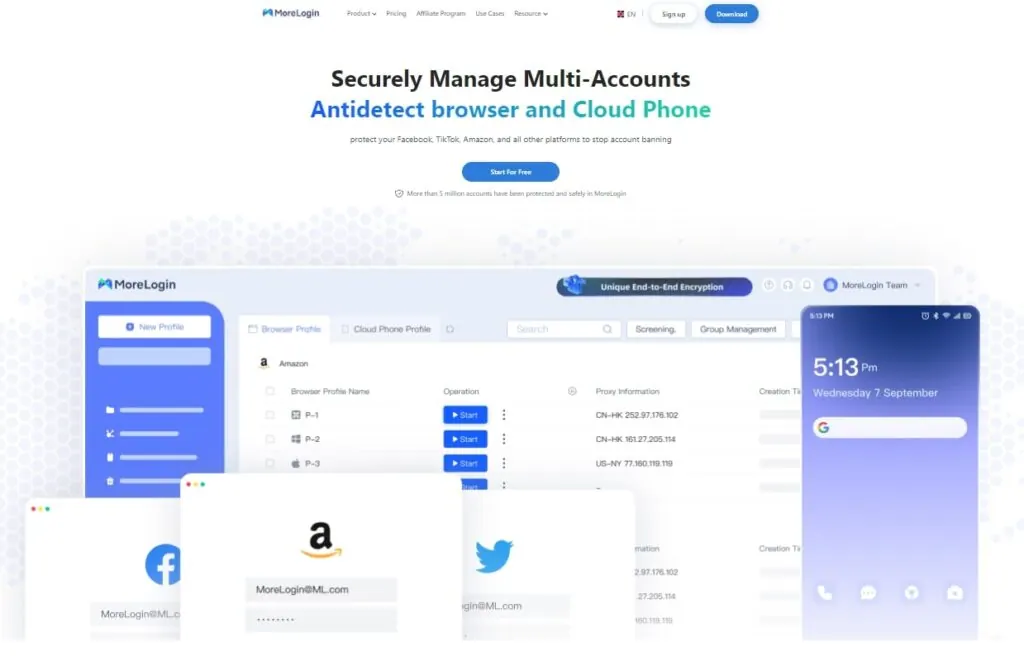
MoreLogin is an antidetect browser with cloud phones that lets you keep separate profiles that appear as distinct users on different websites.
Pricing Plans
- Free Plan: 2 profiles and 2 users forever, no card required.
- Professional: $9/month for 10 profiles ($5.40/month billed yearly).
- Custom Plan: contact sales for tailored pricing.
- Cloud phones are billed separately, from $0.006 per minute (capped at $1.50 a day) or $23–$25 per 30 days.
Platforms
MoreLogin runs on Windows, macOS and Linux (desktop and server); an Android app is listed as coming soon.
Availability of Free/Paid Built-in Proxies
MoreLogin lets you connect proxies from outside providers to each profile.
MoreLogin suits crypto users who also work with mobile apps, since its cloud phones sit alongside browser profiles in one account. Its low entry price makes it an affordable alternative, though the extra features take some time to learn.
7. Incogniton
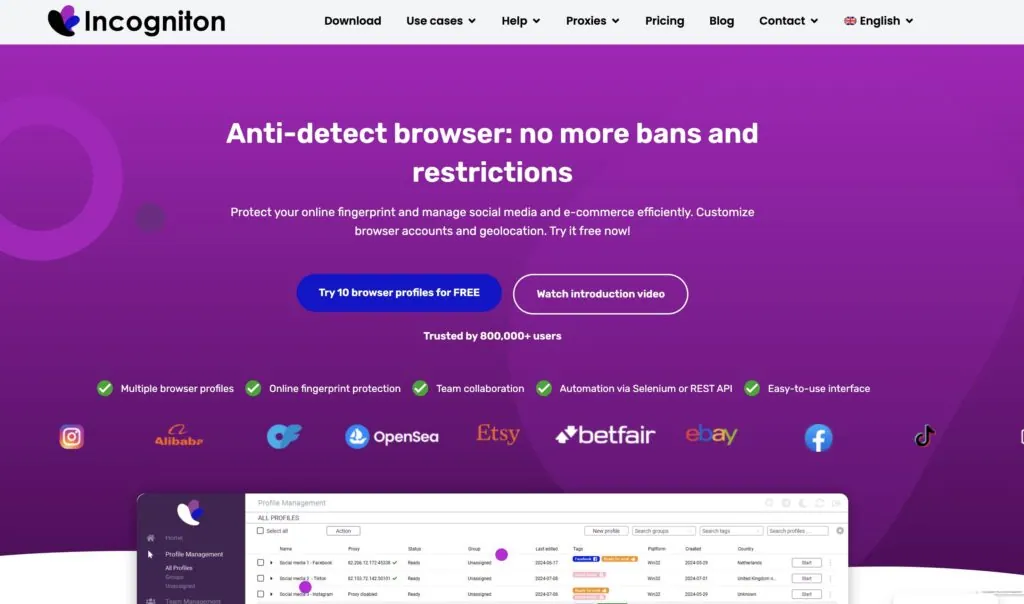
Incogniton is an antidetect browser that gives every profile a unique digital fingerprint and lets you manage many browser profiles privately.
Pricing Plans
- Free Plan: 10 profiles for the first 2 months, then 3 profiles.
- Starter Plus: $19.99/month for 10 profiles.
- Entrepreneur: $29.99/month for 50 profiles, with API access and Selenium/Puppeteer integration.
- Professional: $79.99/month for 150 profiles and 3 team seats.
- Custom Package: from $149.99/month for 500+ profiles.
- Paying every 6 months saves 30%, and yearly billing saves 40%.
Platforms
Incogniton is compatible with Windows and macOS.
Availability of Free/Paid Built-in Proxies
Paid plans include free built-in proxies, and Incogniton also runs a proxy shop and supports outside providers.
For crypto and NFT projects, Incogniton’s synchronizer and API automation help with repetitive tasks across profiles. Users without a technical background may need some time to set up the automation features.
8. 1Browser
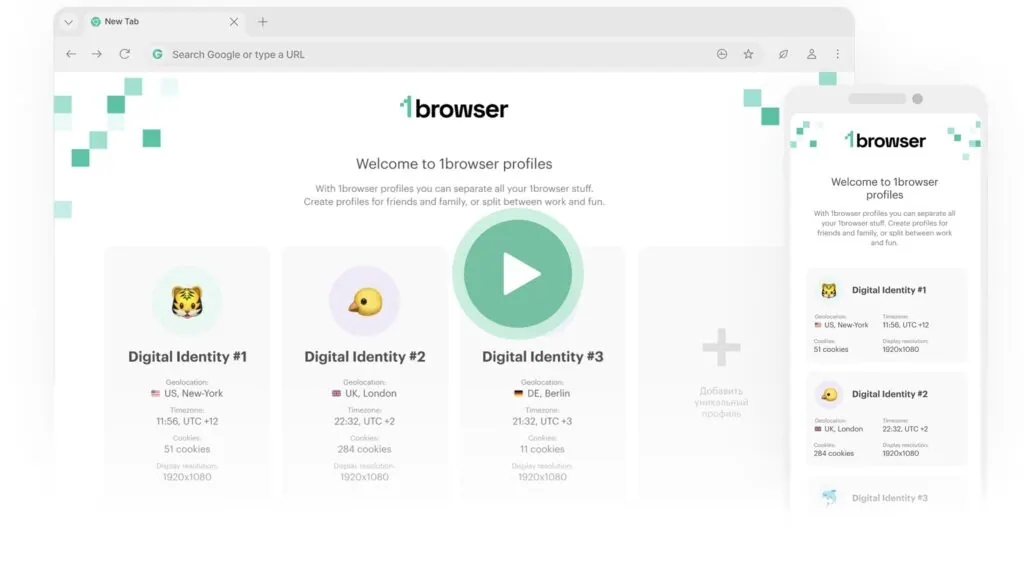
1Browser is an antidetect browser with a Chrome-like interface that separates browser profiles at the IP and fingerprint level, with proxies built in.
Pricing
- Free: 5 profiles, with limited proxy countries.
- Basic: $6/month for 10 profiles ($5/month billed annually); Custom: 20+ profiles from $9/month. See 1Browser pricing for details.
Platforms
1Browser runs on Windows, macOS (Apple silicon), Linux and Android.
Availability of Free/Paid Built-in Proxies
- Built-in proxies: paid plans include a proxy network in 100+ countries and 2 GB of residential, datacenter or mobile traffic.
- Custom Proxy Integration: you can also add your own proxies to each browser profile.
For crypto users, 1Browser is the simplest way to keep a few wallets or exchange accounts in separate profiles without buying proxies elsewhere, and its familiar interface removes most of the learning curve of more complex antidetect browsers.
Popular Crypto Tools
Mainstream browsers and wallet extensions remain the everyday tools for most crypto users. Here is where Brave, Opera and MetaMask stand in 2026.
Brave Browser
- Price: Free to use.
- Platforms: Available on Windows, macOS, Linux, iOS, and Android.
- Proxies: No built-in proxies, but it blocks ads and trackers by default.
Brave includes Brave Wallet on desktop and mobile, with no extension needed. It lets you buy, store, send and connect to dApps on Ethereum and other EVM chains and on Solana, handle FIL on Filecoin, and make transparent or shielded Zcash transactions. It supports Ledger and Trezor hardware wallets and includes a DEX aggregator for token swaps. Brave Rewards also lets you earn BAT by viewing privacy-respecting ads.
Opera Browser
- Price: Free to use.
- Platforms: Available on Windows, macOS, Linux, iOS, and Android.
- Proxies: Includes a free built-in VPN, with a paid VPN Pro upgrade.
Opera combines a built-in ad blocker, a free VPN and an AI assistant. Its features page no longer lists a crypto wallet, and the former Opera Crypto Browser page now redirects to its general list of browsers, so pair Opera with a wallet extension such as MetaMask if you need one.
MetaMask Extension
- Price: Free to use.
- Platforms: Available as a browser extension for Chrome, Firefox, Brave, Edge and Opera, and as a mobile app for iOS and Android.
- Proxies: No built-in proxies; users need to rely on their browser’s settings.
MetaMask connects ordinary browsers to Ethereum and compatible networks. It lets you interact with dApps straight from your browser and manage your tokens, and for NFT projects it lets you buy, sell and trade collectibles. In an antidetect browser, you can install a separate MetaMask instance in each profile to keep wallets fully apart.
Frequently asked questions
What is the best browser for crypto?
For everyday use with one wallet, Brave is a strong choice because it has a built-in wallet for Ethereum and EVM chains, Solana, Filecoin and Zcash. If you need several wallets, exchange accounts or team access kept strictly apart, use an antidetect browser such as Gologin, which gives every profile its own fingerprint, cookies, extensions and proxy.
Can I use an antidetect browser for crypto airdrops?
You can use one to keep your own wallets and accounts separate and secure. But many airdrops and exchanges allow only one account per person and filter out multi-account wallets, so using several accounts to claim more rewards can get all of them disqualified or banned. Always follow each platform’s rules.
Does Opera still have a built-in crypto wallet?
Opera’s features page no longer lists a crypto wallet, and its former Crypto Browser page now redirects to its general list of browsers. Opera still offers a free built-in VPN and an ad blocker; for a wallet, install an extension such as MetaMask.
Which antidetect browser is cheapest for managing several wallets?
1Browser starts at $6/month for 10 profiles. Gologin, AdsPower and MoreLogin start at $9/month for 10 profiles, and Gologin’s annual billing brings it to $4.50/month. Gologin also has a free-forever plan with 3 profiles.
Is it safe to keep a crypto wallet in a browser?
Browser wallets are convenient but are hot wallets, so they are exposed to phishing sites and malicious extensions. Keep large amounts on a hardware wallet (Brave Wallet supports Ledger and Trezor), install only the extensions you need, and keep crypto activity in a separate browser profile from everyday browsing.